Example 1
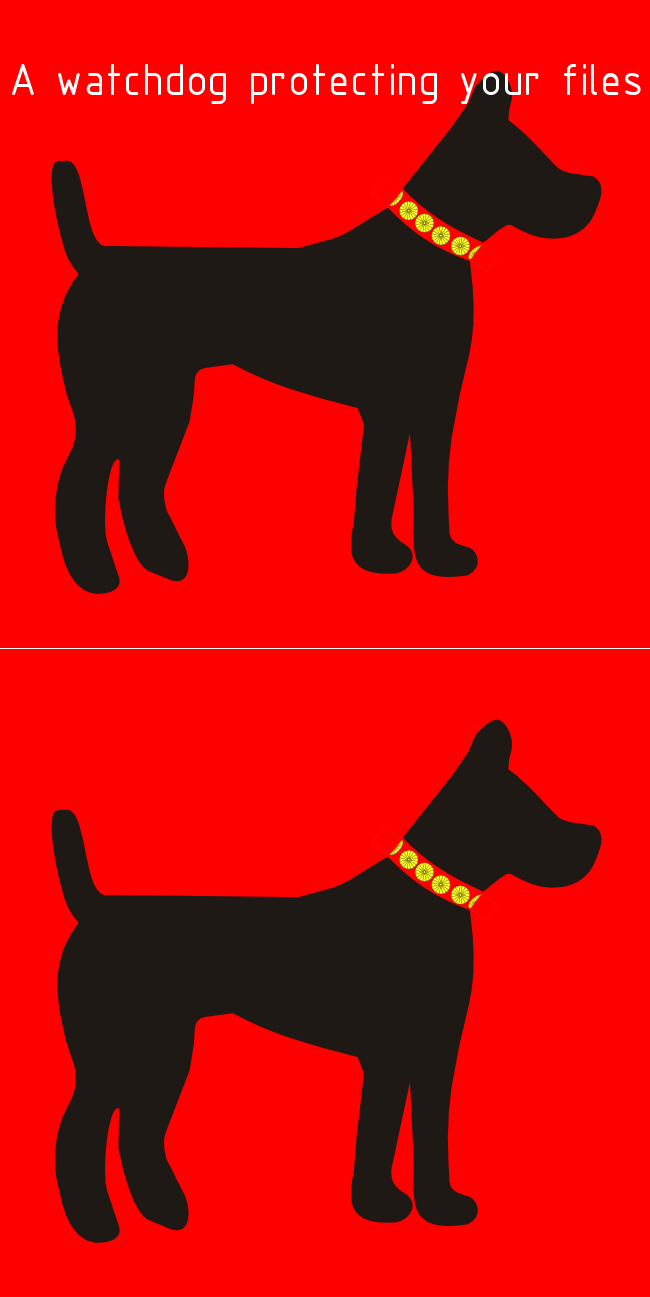
On the right, there is the original flat image, which contains a black dog on a red background and text in white ("A watchdog protecting your files"). The text overlaps the dog’s ears.


When localising images, it is important to note that there are two main kinds: pixel and vector. Pixel images contain little dots and changing their size reduces their quality. They can have one (flat images) or multiple layers. Common file formats for one-layered images are jpeg, gif, png, ico and bmp and psd, xcf and cpt for multi-layered images. Vector images consist of mathematical formulas and modifying their size doesn’t reduce their quality. Some common file formats are ai and svg.
Localizers prefer to work with multi-layered or vector images because they allow to change text or elements requiring localisation without damaging the rest of the image. If we convert a vector or multi-layered image into a flat one, it is very difficult to restore it.
Indeed, during the hands-on session, we experienced how difficult it is to deal with flat images and text. We can use GIMP, which requires using painting tools to cover the text with the background colour and to retouch the rest of the image. I noticed that I got a better result when I zoomed in and I could focus on each pixel. However, I would not like to work with such images again because I am not a professional in image editing, I would have to spend a long time and I could damage the picture.
Additionally, GIMP can be used for multi-layered images. We can select the text layer and modify it regardless of the rest of the picture, which is much more convenient. This software is also useful for creating gif images.
Vector images are easy to deal with. We can modify them on Inkscape or Notepad++, where we look at the code and replace the text. We have to be careful and avoid modifying tags that could prevent webpages from working. It is interesting to note as well that text in multi-layered or vector images can be extracted using, for instance, Rainbow. Concerning flat images, extraction is also possible with OCR technologies, but quality is not usually enough.
We also learnt how to identify fonts using resources like MyFonts and how to localise screenshots. Screenshots are usually flat images or need to be faked because the localised version is not available yet.
Apart from technical aspects, what I remember the most about this session is the fact that images, colours and symbols can have different connotations and meanings through cultures, although marketing departments usually decide what to do, instead of translators. I might not need to modify images if I translate for a living, but I am sure that I can apply what I learnt in other situations.
During the lab, we modified one-layered, multiple-layered and vector images with GIMP and Inkscape. If you scroll down, you will see some examples and explanations of the lab. If you scroll down, you will see some examples and explanations.
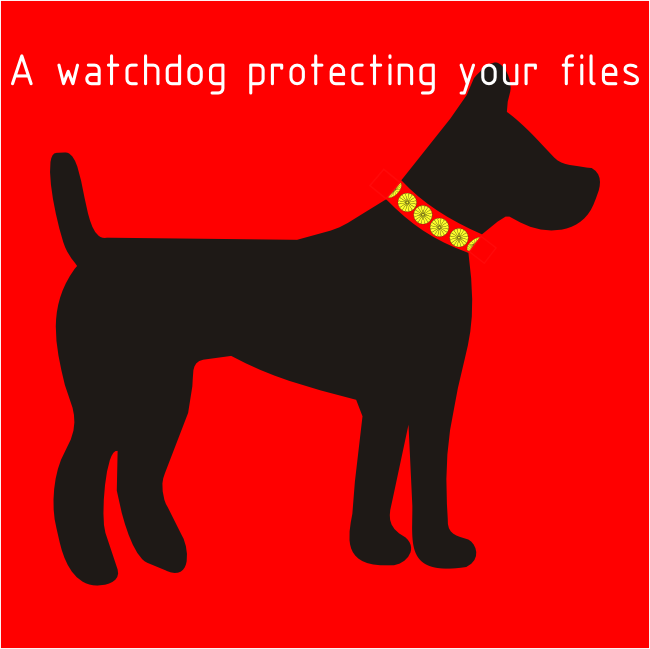
On the right, there is the original flat image, which contains a black dog on a red background and text in white ("A watchdog protecting your files"). The text overlaps the dog’s ears.
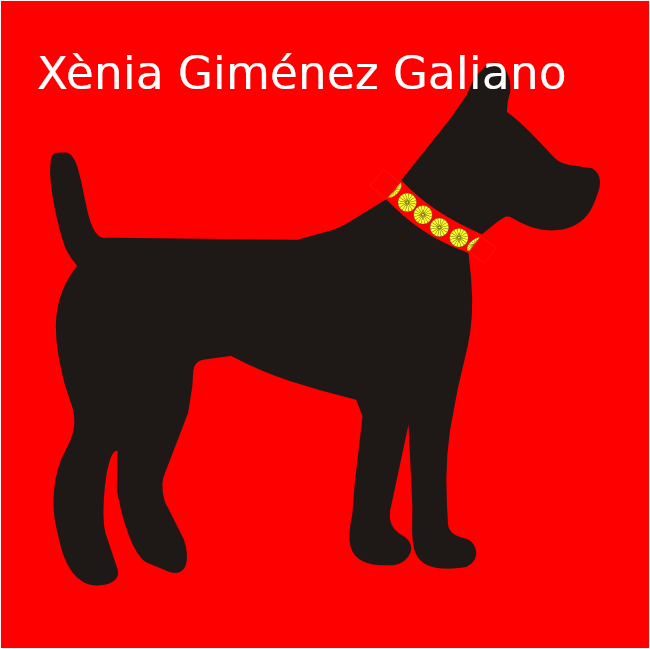
On this screenshot, you can see that I have modified the previous image using GIMP: I deleted the text, I repainted the dog’s ears in black and I added new text.
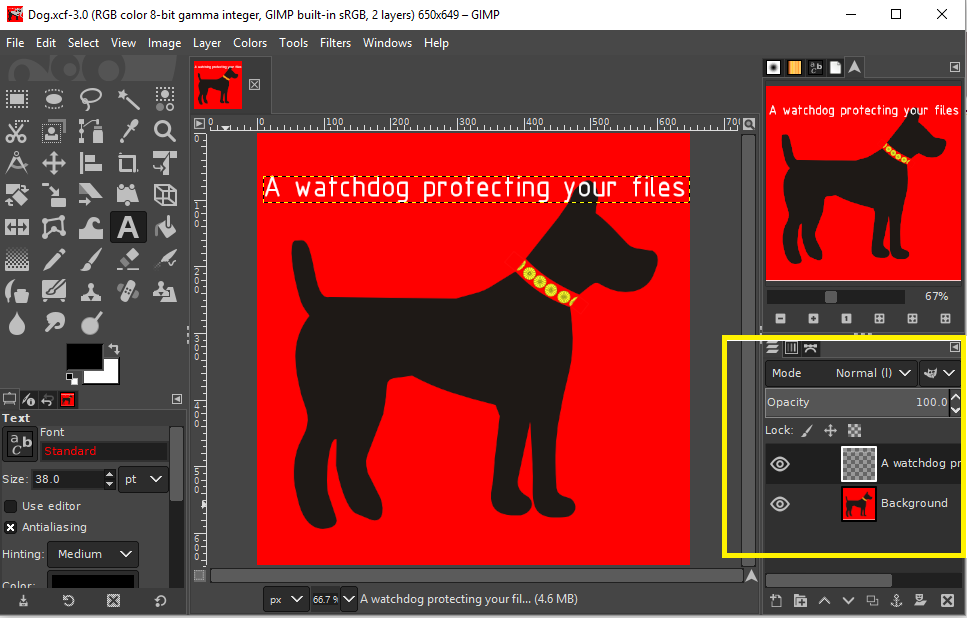
On this picture, we see on GIMP that there are two layers (text and image). Text can be easily replaced.
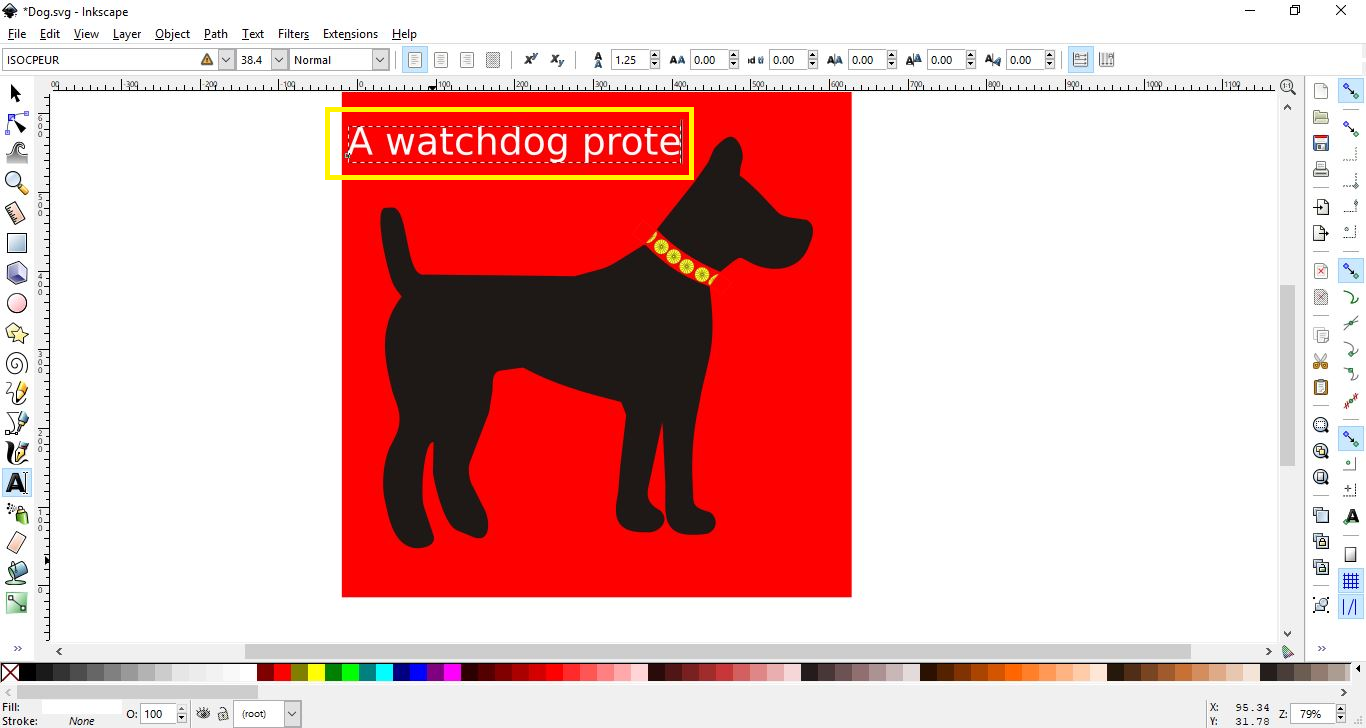
Inkscape has been used to change text in vector images.
Finally, by combining two images (one with text), we created a gif image.