Example 1
On the left, you can see, on Microsoft SmallBasic, the code of a programme consisting of an arithmetical operation.


The topic of this lab was programming, but instead of learning how to use specific programming languages we were introduced to some basic principles which can help a translator/localiser, who won’t probably modify code, but needs to distinguish translatable text from code and be able to fix minor errors.
There are many programming languages, which consist of a grammar and a vocabulary to be respected, such as Java, C, C++, C#, Python and Pascal. After writing our code with an Integrated Development Environment (IDE) or an advanced text editor, it is important to compile our code, that is to say, to transform source code (from a specific programming language) into machine language (binary). For this purpose, we can use a compiling tool included in an IDE or an independent compiler.
During the lab, we were introduced to two tools, Microsoft SmallBasic and Microsoft Visual Studio 2017. SmallBasic is mostly used by children who want to start programming. The interface is very simple and intuitive. We had the opportunity to practice with a Happy Birthday programme created to celebrate SmallBasic’s 10th anniversary. However, I was surprised to discover that there was a basic mistake in the code. In my opinion, this hands-on experience is much more effective than just a theoretical approach.
Afterwards, I started working on the first exercise with SmallBasic. It was fairly easy because it consisted of copying code and modifying a few elements, but I didn’t expect that SmallBasic could be used for creating a game similar to table tennis.
Visual Studio 2017 was more difficult to deal with. It is only available in the computer lab rooms and it is mostly intended for professionals. In addition, I think that in other exercise sheets the instructions were more specific, although I understand that the point of the exercise is not only following instructions but also internalising how to handle Visual Studio and programming languages. As we did in HTML exercises, we had to identify translatable texts and I realised that it is best to do it when exploring the game because not all the strings preceded by the “Text” instruction must be translated.
What I like about Visual Studio is that it has a WYSIWYG and a preview mode, so we can check if our code works after modifying it or if there are space problems.
I had problems translating the help section (xml file) because there are some space issues. Therefore, I had to add line breaks but I don’t think this is the best solution. Afterwards, I started modifying some images with GIMP. Replacing the yellow ghost with a blue ghost and making the rest ghost smile was not complicated, but I had more trouble dealing with the balls because pixels are round and the balls are not totally circular. Edges have a different colour and it was difficult for me to find the right one. However, since they are tiny, it makes no difference in the game. The first time that I played the game with all these modifications there was a bug. There were two red and blue ghosts. I checked with other classmates, who had the same problem and had not modified the code. After asking the lecturers, I realised that this might be a bug of the game.

On the left, you can see, on Microsoft SmallBasic, the code of a programme consisting of an arithmetical operation.
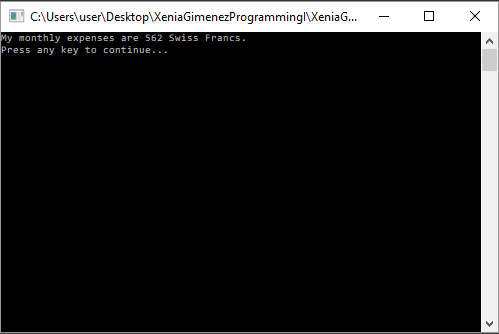
After compiling the code, we get the result of the operation.
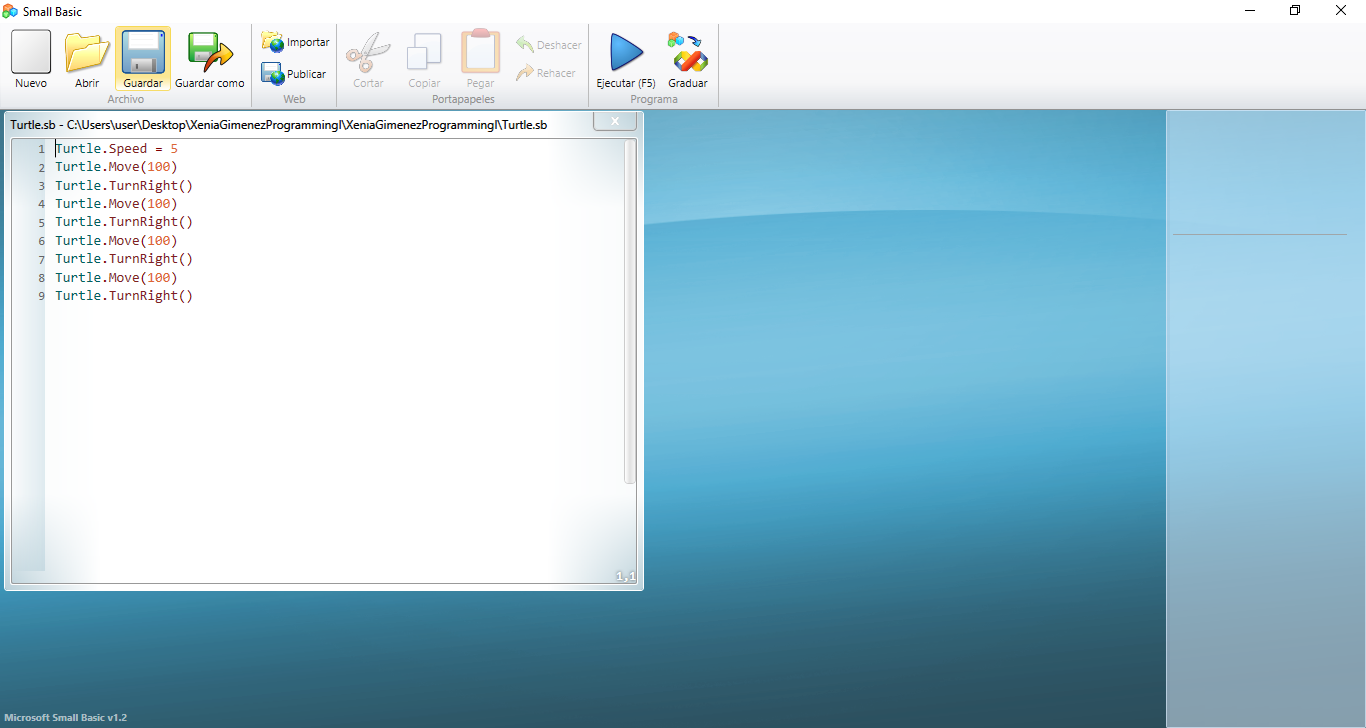
Here you can see the code of programme in which a turtle moves.
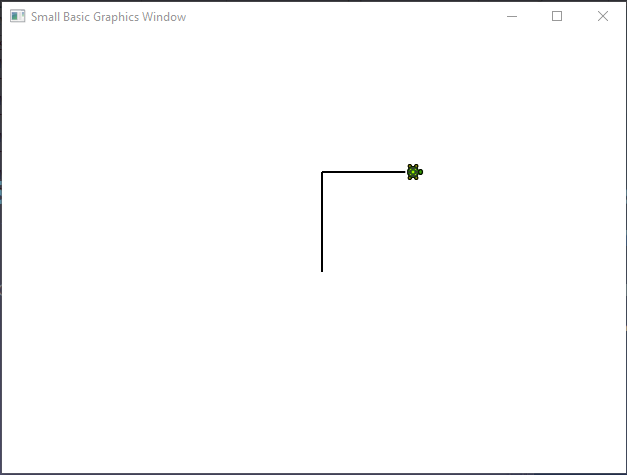
The result is a turtle creating a square.
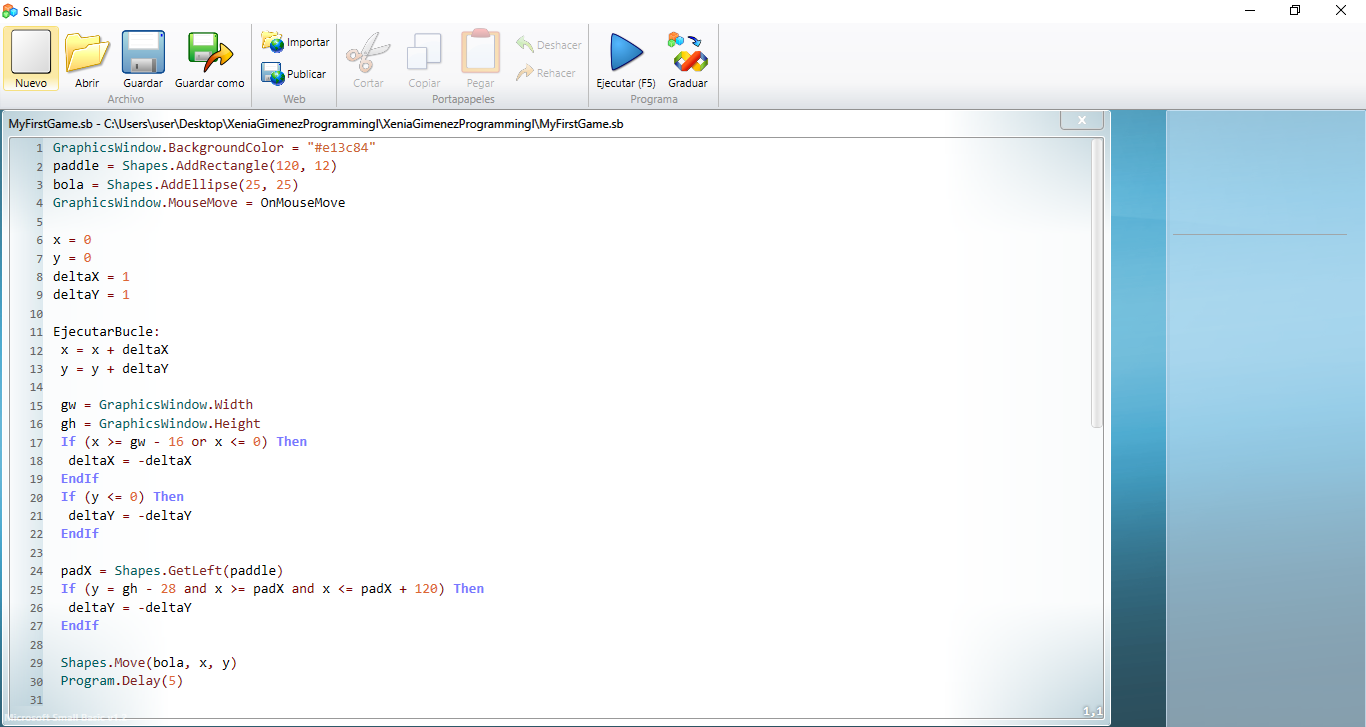
Small Basic can deal with more complex codes. This is the code for a ball game.

This is the English PacMan version that we had to translate and which doesn’t contain much text.
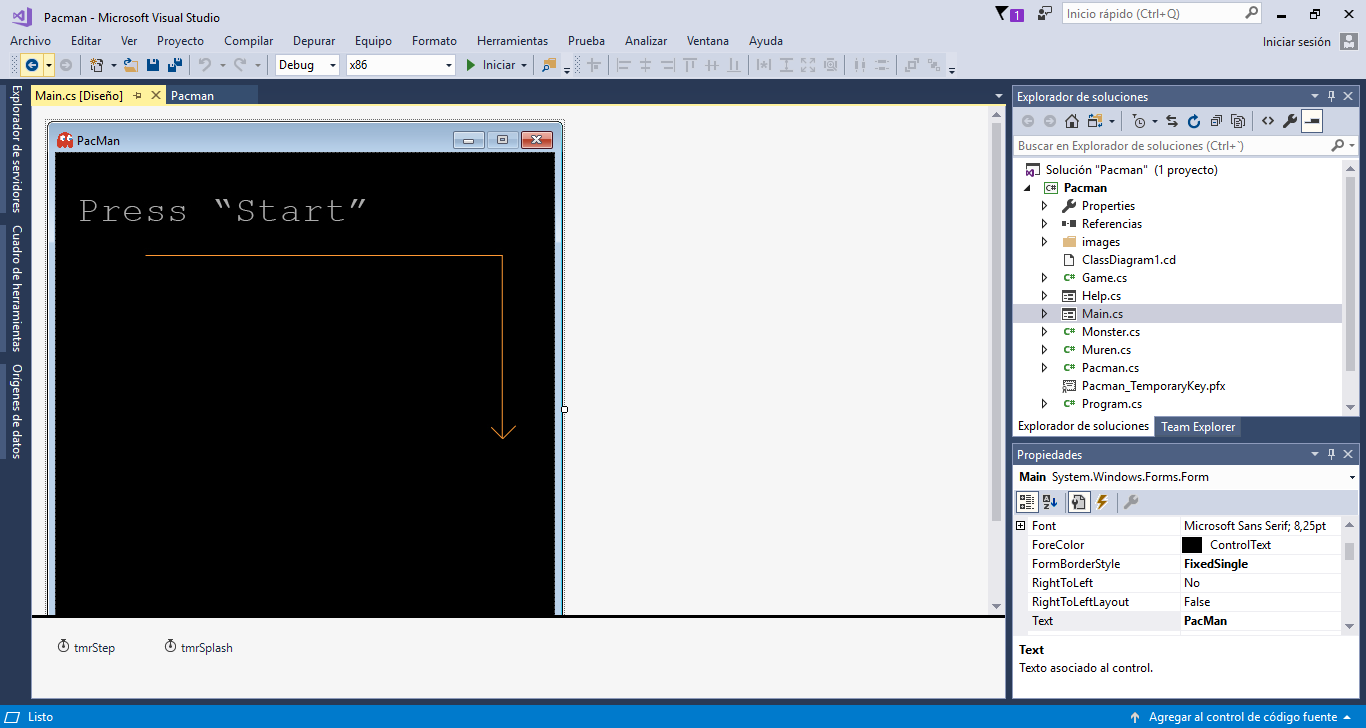
On this picture, you can see that I worked with PacMan on Microsoft Visual Studio, which provides a really clear WYSIWYG preview.
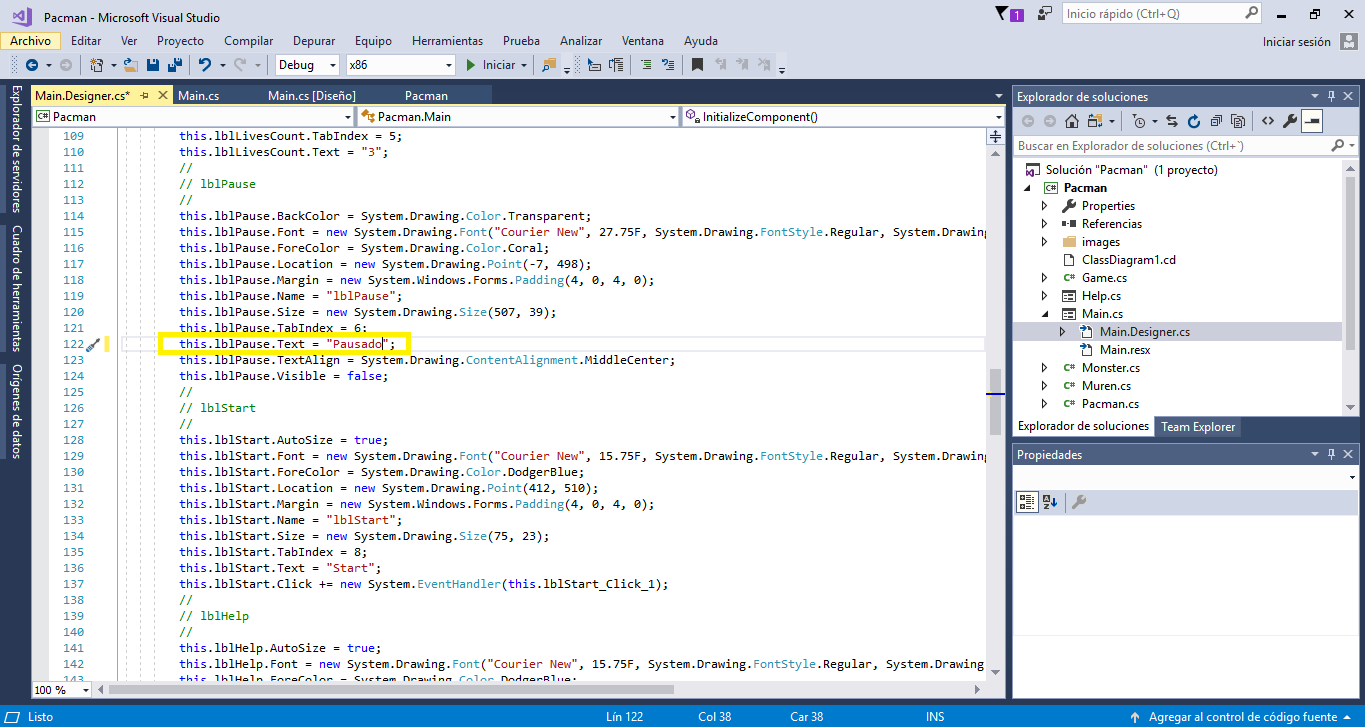
This screenshot shows a text string (“Pausado”), introduced by the Text element.

Here you can see the resulting translation.
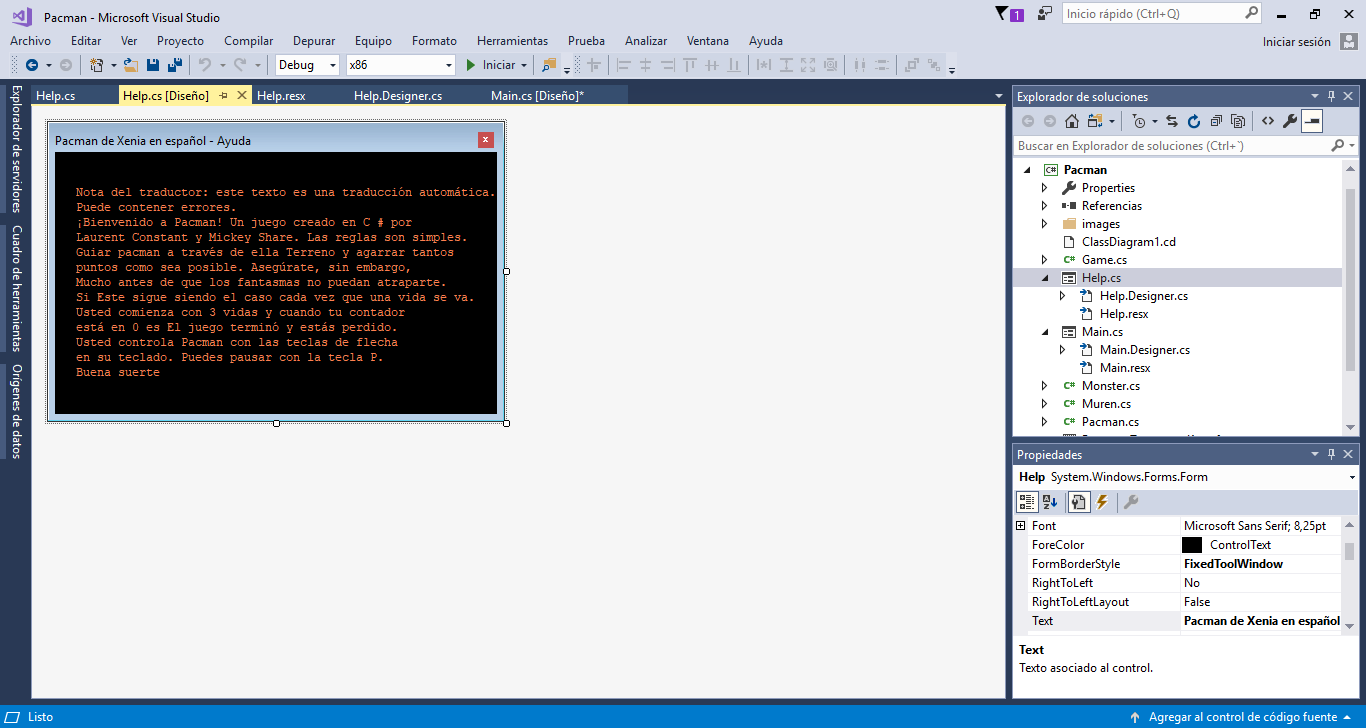
This is the help window.
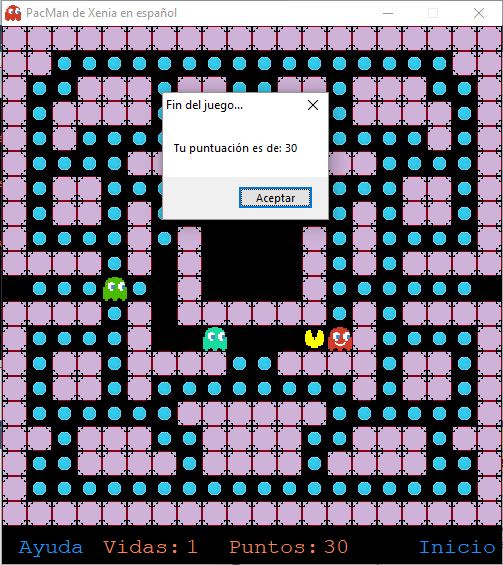
On this screenshot, you can see how I localised the text and changed colours on the Spanish version.